 SDRCrew
SDRCrew
One program to listen to everything an SDR dongle can receive.
Aircraft, ships, satellites, weather balloons, radio, shortwave, ham radio and digital modes in a single window, in Italian and English. Free, receive only, made by a ham for hams.
- Free
- Windows 10 and 11
- Italian and English
- Automatic updates
What it receives
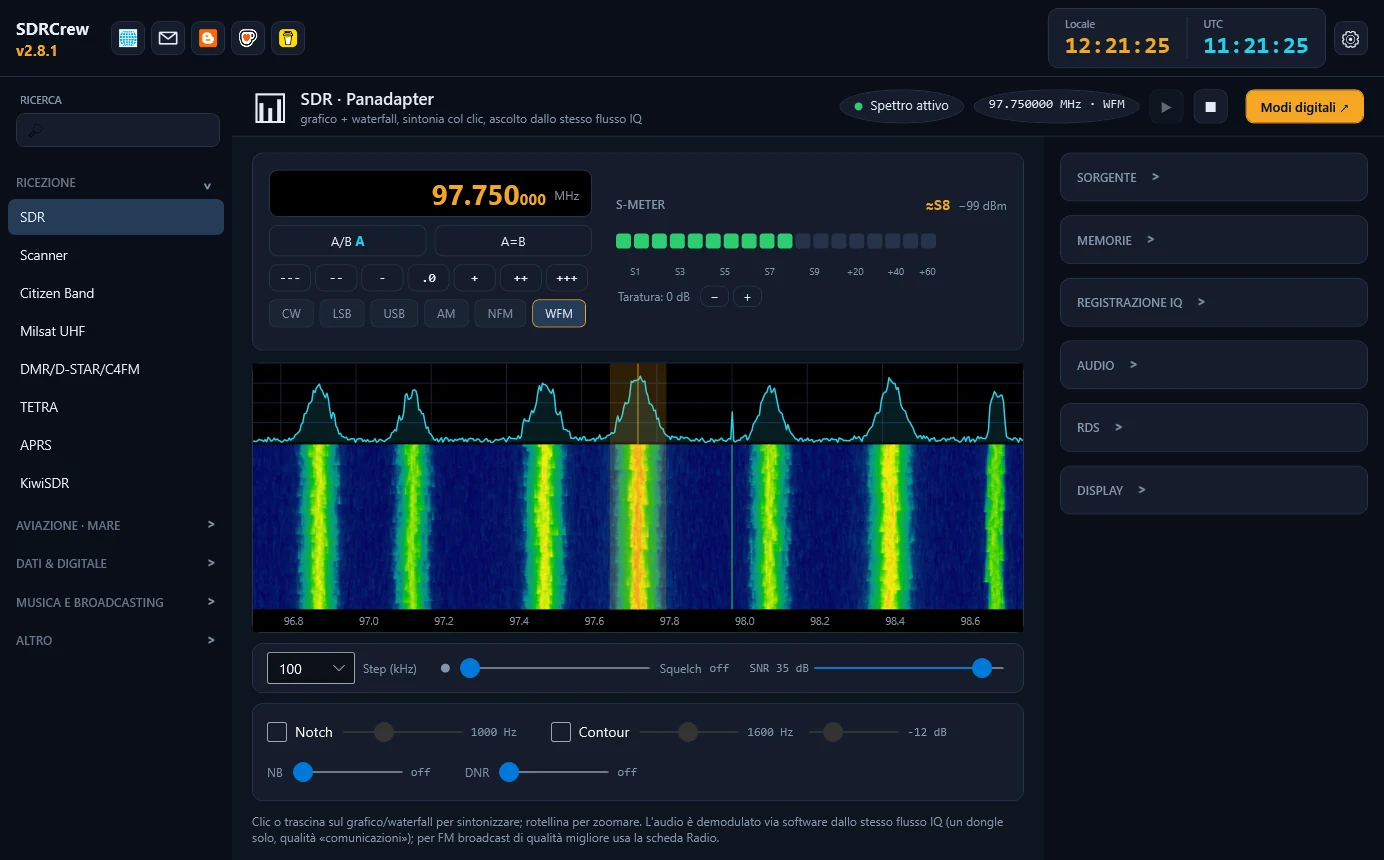
Every tab of the program is a ready receiver: pick the tab, press play, and the program takes care of the dongle, the frequency and the decoding.
Radio and shortwave
- Spectrum with waterfall and listening in AM, FM, SSB and CW
- FM radio with station name and RadioText (RDS)
- DAB and DAB+ with multiplex scanning
- Shortwave with the EiBi schedule of the stations on air
- DRM, Citizen Band, scanner with memories
- KiwiSDR receivers on the network as if they were here
Aircraft and sea
- ADS-B on a map and secondary radar codes (Mode A/C)
- ACARS, VDL2 and HFDL: the messages of aircraft
- AIS: ships on a map, with an icon for each type
- VOR and ILS: radial, Morse identifier, runway centreline
Satellites and weather
- Passes, listening and decoding of weather satellites with SatDump
- Amateur satellites: Doppler, SSTV, FT4, SSDV and CW beacons
- Weather-balloon radiosondes: automatic search, map, landing point, SondeHub
- Meteor scatter: meteor echoes on the GRAVES radar
Digital modes and data
- FT8, FT4, WSPR, JS8, SSTV, RTTY, PSK and more in a separate window
- DMR, D-STAR and C4FM with a repeater list
- Unencrypted TETRA, pagers, meters and sensors at 433/868 MHz
- Recordings, time machine and alerts sent to a web address or MQTT
The program in action
Dark or light theme, big frequency, S-meter, maps, all in one window. Click a screenshot to see it full size.
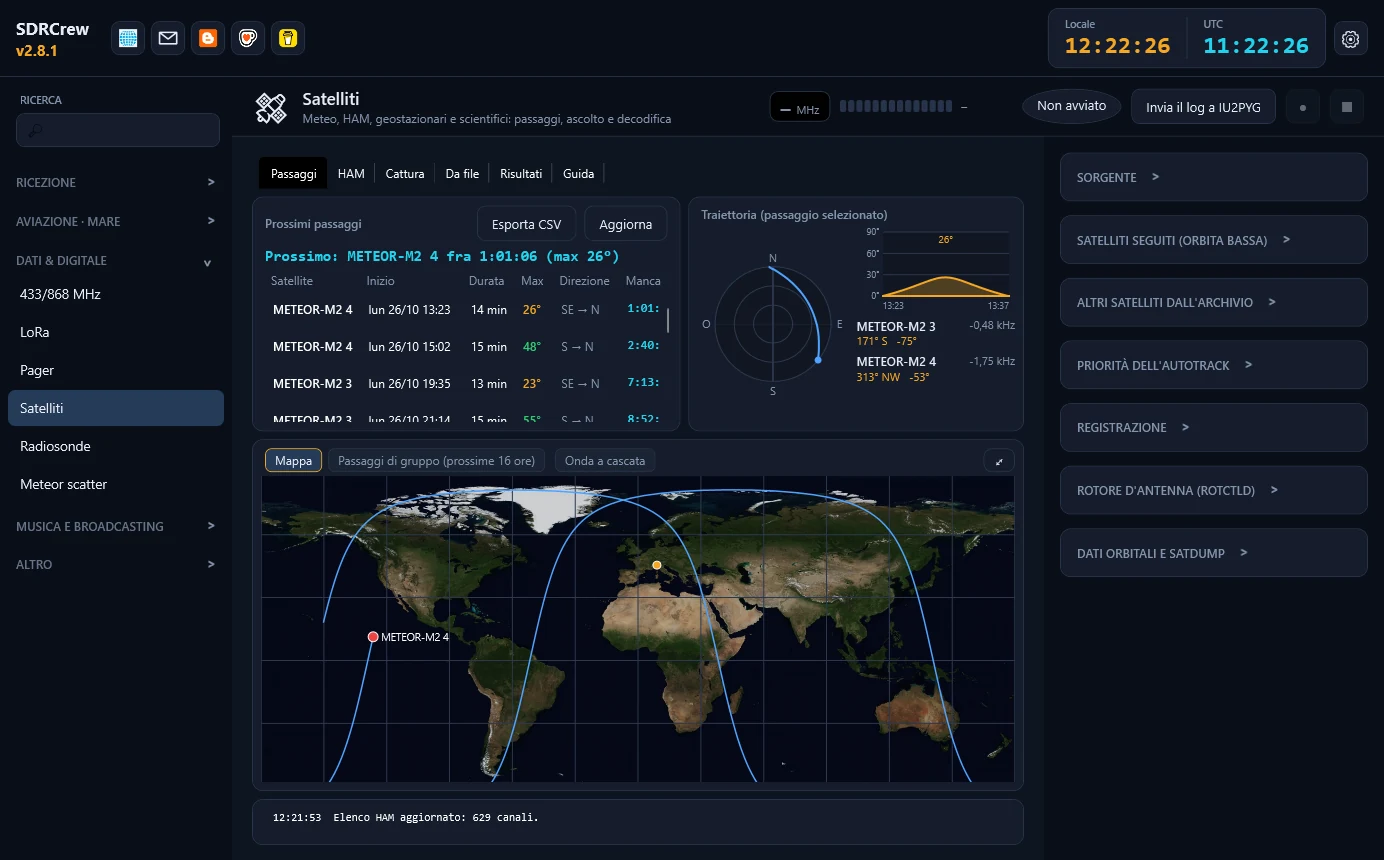 Satellites: next passes and trajectory
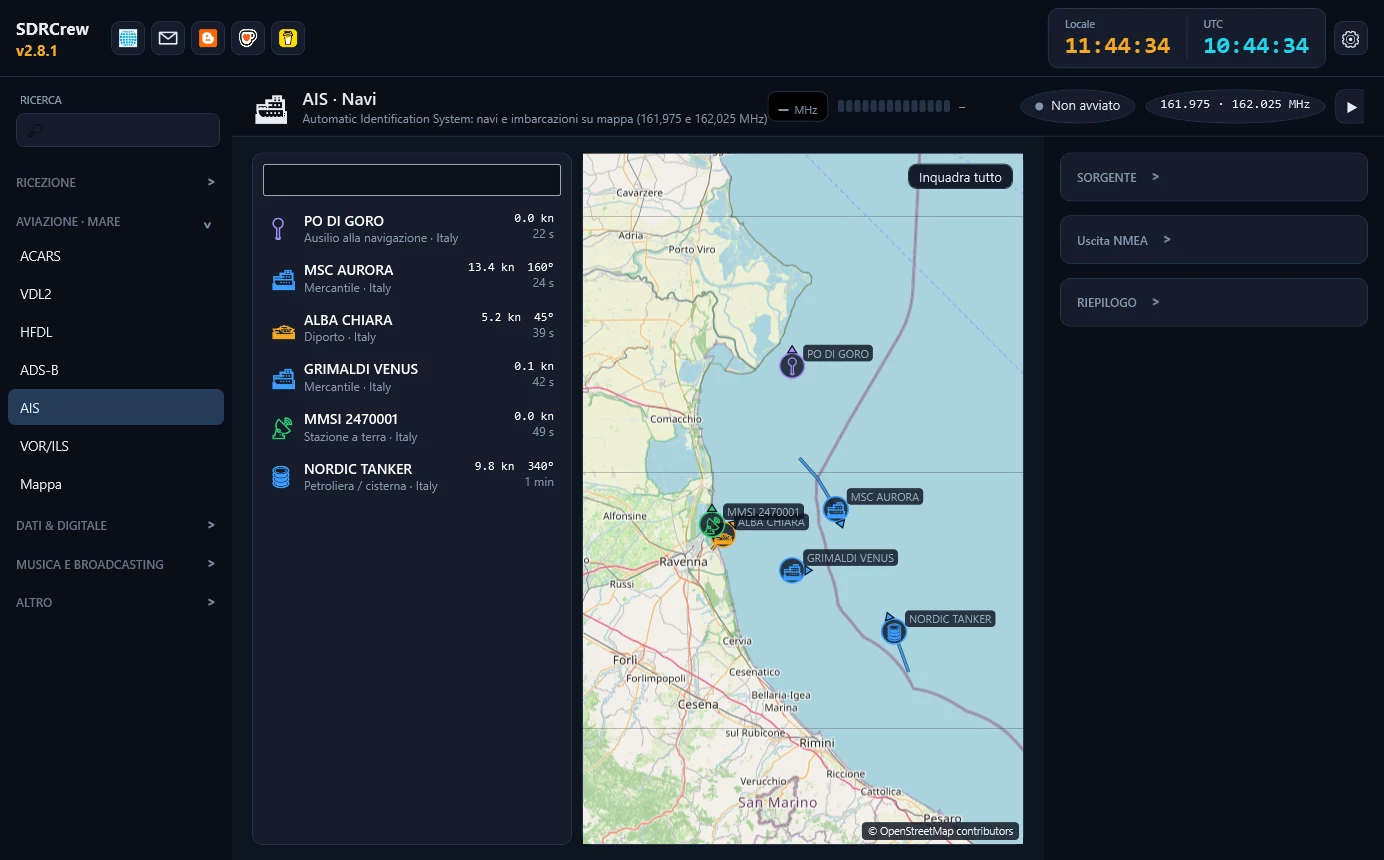 AIS: ships on a map, with an icon for each type
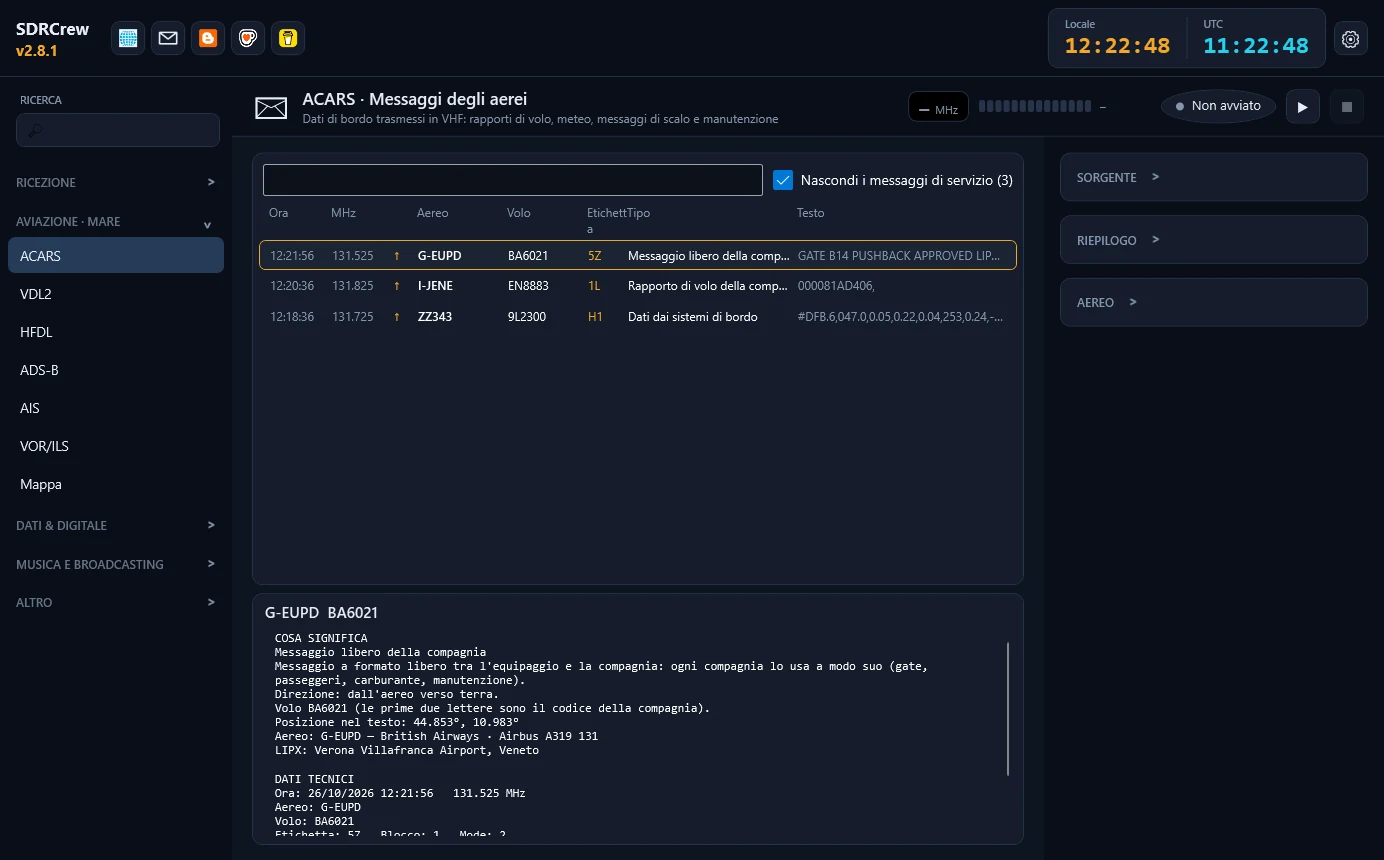 ACARS: the messages of aircraft
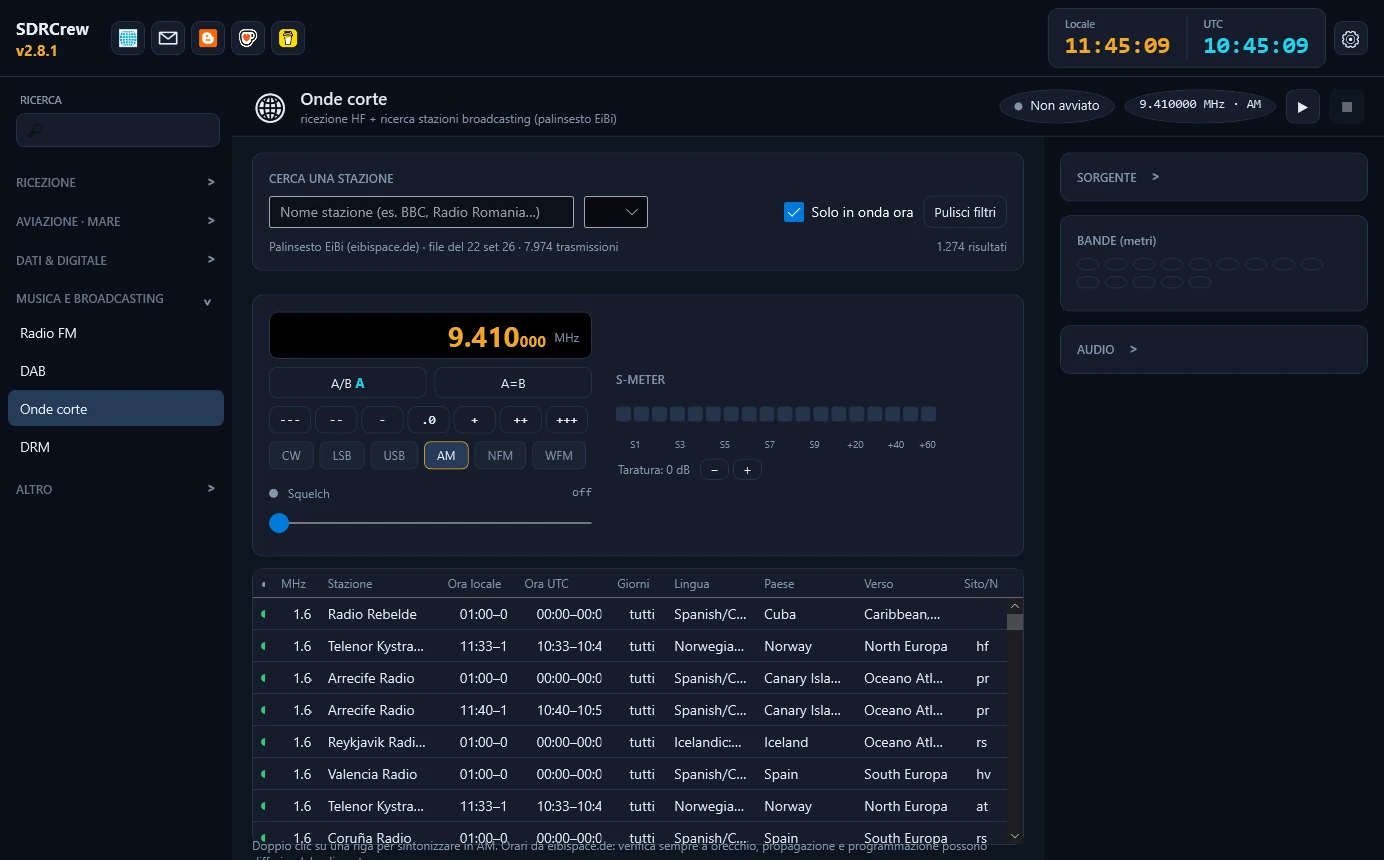 Shortwave: the stations on air right now
Screenshots with demonstration signals and data.
Receivers
Born for RTL-SDR dongles, it also works with other receivers: pick yours in the "Dongle" list of every tab.
| RTL-SDR (V3 and V4 too) | Supported |
| Airspy and Airspy HF+ | Supported |
| HackRF | Supported |
| SDRplay RSP (API 3.15) | Supported |
| Perseus (USB) | Supported |
| Network receivers (rtl_tcp) and IQ recordings | Supported |
| Any SoapySDR radio (bladeRF, LimeSDR, Pluto...) | Supported |
On Windows the dongle needs the WinUSB driver (installed with the Zadig program); in the Info tab the receiver check says what is missing.
Download and install
- Download the installer from the latest release.
- Run it: if needed it fetches the .NET 8 runtime by itself.
- Plug the dongle in and, if Windows does not use it, install the WinUSB driver with Zadig.
- Open a tab, press play. Later updates arrive by themselves.
The file is called SDRCrew-win-Setup.exe. Windows may show a SmartScreen warning because the program is not digitally signed: that is normal for a personal project.
SDRCrew is receive only. Listen only to what the law of your country allows. It includes or uses third-party components (among them SatDump, rtl_433, wsjt-x, dsd-neo, libperseus-sdr): the list with their licences is in the program's Info tab.
Contact and news
Reports and requests are sent from the program's Info tab (even anonymously). The news of every version is on the blog.